A shape memory test in one glance
This shape memory test shows you an irregular shape for a moment: a thick outline with a dot on every corner, somewhere near the middle of the board. Then it disappears. When it comes back, every corner has been pulled out of place, and your job is to drag each one back to where it was.
Easy rounds use a triangle. From the middle of the ramp the shape has four corners, and the hardest rounds have five. The flash also gets shorter, from 1.6 seconds down to one second. No two shapes are alike: the corners are scattered at random around a circle, so you cannot learn a set of favorite shapes.
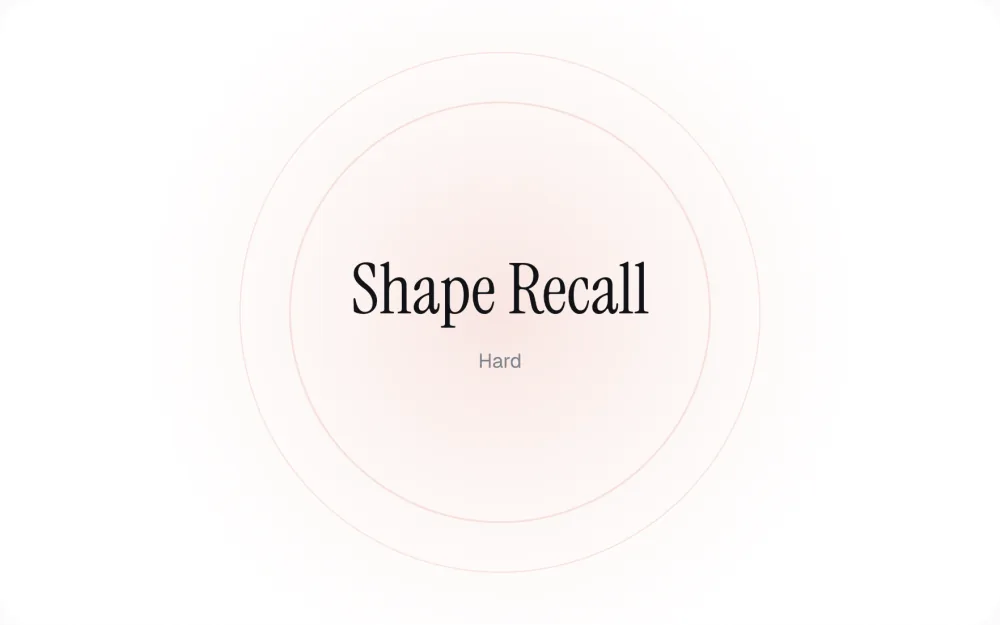
Every shape is fair to remember. Its outline never crosses itself, every corner is a clear corner (never a hairline spike or an almost straight edge), and no two corners crowd each other. In the game this shape memory test is called Shape Recall, and it opens with its name in soft coral rings and the level written underneath.
Putting the corners back
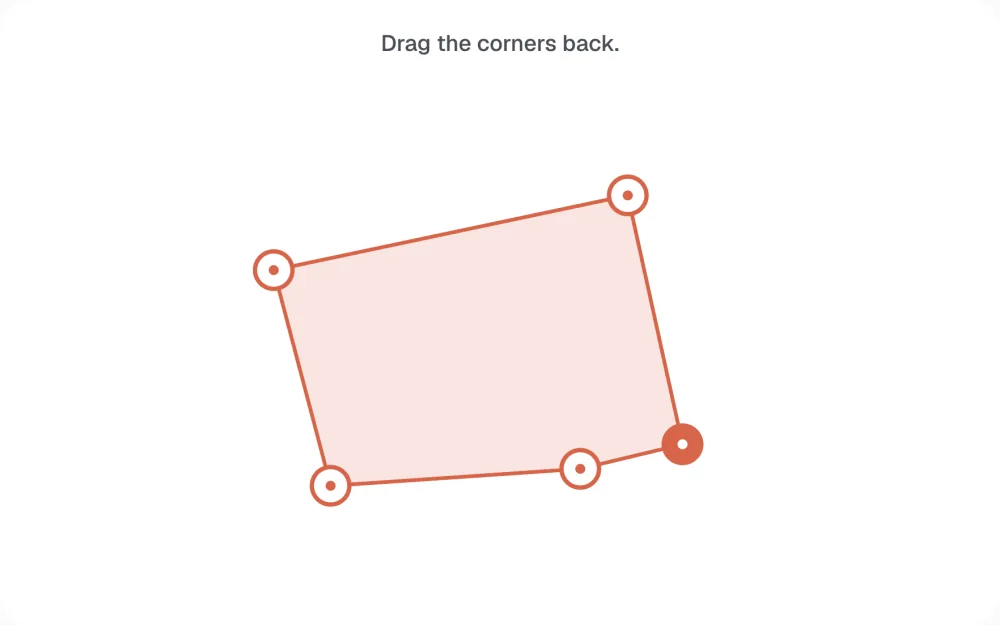
After the flash, a round handle sits near each corner, 60 to 120 pixels away in a random direction. The outline is drawn through the handles in the same order as the shape you saw, so the handle for each corner is the one the outline joins in its place. Drag the handles until the outline matches your memory, then press Lock in.
You do not have to hit a handle exactly. Press anywhere on the board and the nearest handle moves with your finger, keeping its distance. That way you can drag from beside a corner and watch it the whole time, instead of covering it with your fingertip. On a computer you can also press 1 to 5 to pick a corner and nudge it with the arrow keys.
Nothing stays on the board to copy from. This shape memory test is about the picture you carry in your head for a few seconds: where each corner sat, and how the corners sat against each other.
How the shape memory test is scored
Each handle is measured against its own corner, and the score uses the average distance, in board pixels (the board is 800 pixels wide). Every corner counts the same. A perfect copy scores 100, and the score falls smoothly as the average miss grows.
| Corners off on average | Score |
|---|---|
| 0 px | 100 |
| 10 px | 95 |
| 20 px | 82 |
| 30 px | 64 |
| 45 px | 37 |
| 60 px | 17 |
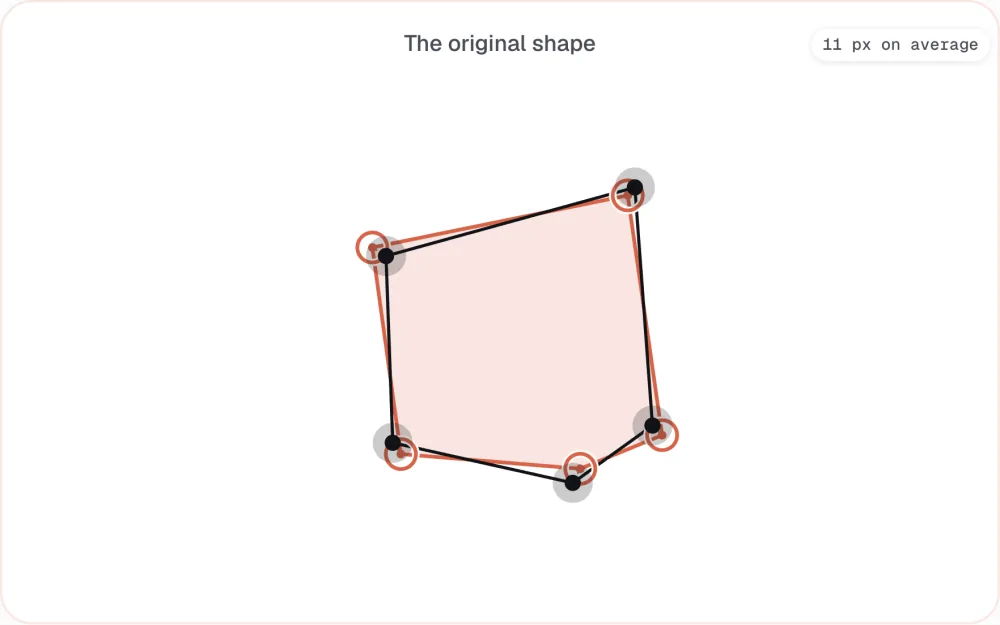
After you lock in, the reveal draws the original shape over yours. A dashed line joins each of your corners to its true place, so you see at once which corner slipped and which way. A small label gives the average miss. Your verdict reads like Corners 21 px off on average.
What a shape memory test tells you
A shape memory test checks visual short-term memory, the small store that holds what you just saw for a few seconds after it is gone. Research on this store shows it is tiny: most people keep only three or four items at once, and the detail of each one fades fast.
A shape is easier to hold than its corners one by one, because memory groups them into a single outline. That helps, but it also bends the picture. People tend to remember shapes as a little more regular than they were: angles drift toward right angles, sides toward equal lengths, and a lopsided shape comes back more balanced. Corners near the edge of attention, often the last ones you looked at, slip the most.
That is why this shape memory test uses odd shapes with random corners. A neat square would be remembered as a word. An irregular shape has to be remembered as a picture.
Tips for a better shape memory test score
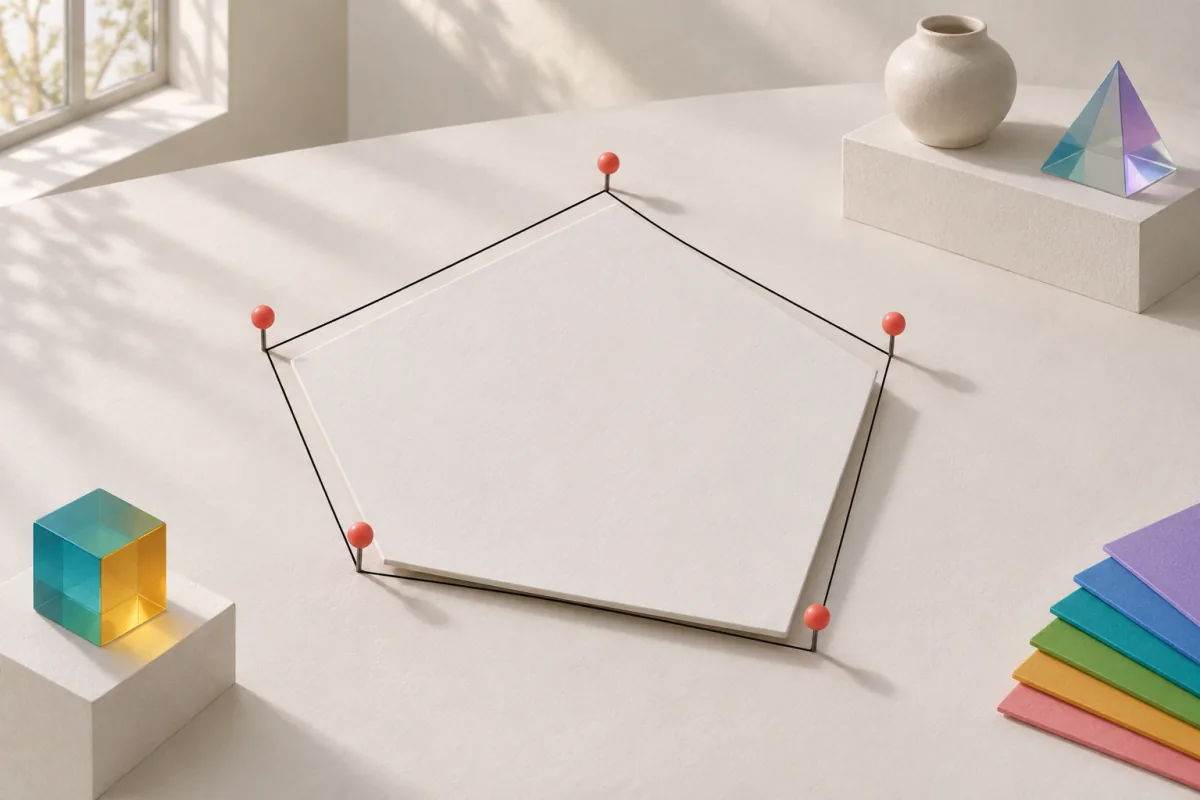
- Take in the whole outline first, then the corner that sticks out most. That corner anchors the rest.
- Name the shape to yourself in a word or two: a leaning kite, a fat arrow, a house with a sloped roof.
- Notice where the shape sits on the board, not only its outline. The position counts as much as the form.
- Put back the corner you remember best first, then build the other corners around it.
- Before you lock in, check the whole shape: is it as tall, as wide and as lopsided as the one you saw? Most people make it too regular.
The reveal shows which corners you tend to miss. Many players find the same habit round after round, like pulling the shape toward the middle, and a small correction fixes it.
Shape Recall and the daily Perceptle
Shape Recall is one of the newest tests in Perceptle, a free daily game of ten quick perception tests, each scored out of 100 for a total out of 1000. For now this shape memory test plays in Unlimited and on this practice page. It joins the daily draw once enough answers show that its scoring is as fair as the other tests'.
On this practice page each new round is a little harder than the one before. For more memory, try the visual memory test or the pattern memory test; for shapes by eye, the mental rotation test. How to play explains the daily game.
Questions and answers
What is a good score on the shape memory test?
Corners within 10 px on average score about 95, and 20 px off scores 82. An average miss of 45 px scores 37.
Which handle belongs to which corner?
Each handle starts near its own corner, and the outline joins the handles in the order of the shape you saw. The reveal links every handle to its true corner.
Do I have to press exactly on a handle?
No. Press anywhere and the nearest handle follows your finger at the same distance, so you can drag from beside it and keep it in view.
Does the size of the miss matter, or just the shape?
Both. Each corner is measured from where it really was, so a perfect shape in the wrong place still loses points.
Does the shape memory test work on a phone?
Yes. On a phone held upright the board turns to fill the screen, and the drag-from-beside handles keep your finger off the corner you are placing.
Is it free?
Yes. Perceptle is free in any browser, with no account and nothing to install.
Hold the picture
Try a round of the shape memory test, then see how your memory for shapes compares with your sense of time, color and space in today's Perceptle.
Play today's Perceptle